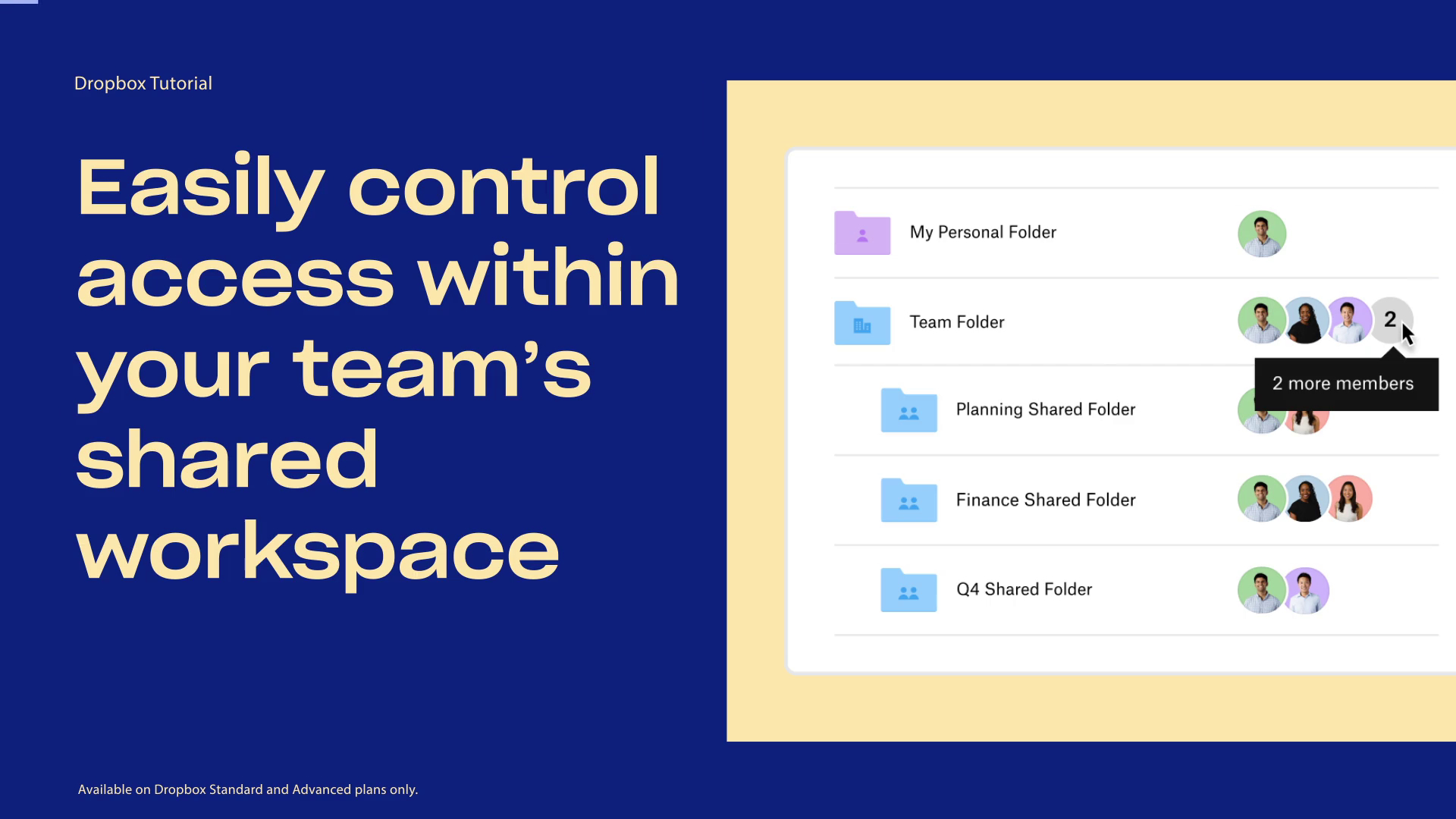
Création d’un dossier partagé dans un dossier d’équipe
Création et partage de sous-dossiers d’équipe
Dropbox Business members can share sub-folders with others, but only if they’re within team folders. Team folders are different than shared folders in that they’re created and owned by team admins. Dropbox Basic and Dropbox Plus users cannot share folders within other shared folders, which is why we recommend setting sharing permissions at the sub-folder level.
Le dossier privé intitulé “Programme d’ajout de nouveaux clients“ contient deux sous-dossiers intitulés "Budgets" et "Maquettes". Ces deux sous-dossiers doivent être consultés par d’autres membres de l’équipe.
There’s no need to move the sub-folders. Instead, share Budgets with the groups or users who need it. Then, separately share "Wireframes" with the groups or users who need it. Now everyone has access to what they need, and New Client Onboarding Plan stays private.